PNG to WebP: The Future of Web Images
Created on 7 October, 2025 • Image Manipulation Tools • 263 views • 2 minutes read
Upgrade your images to the next generation. Our free PNG to WebP converter creates smaller, faster-loading images with transparency for superior web performance and SEO.
You want the crystal-clear quality and transparency of a PNG, but the small file size of an optimized JPG. For years, you had to choose one or the other. Now, you don't have to.
Meet WebP, the next-generation image format from Google that gives you the best of both worlds.
What is a PNG to WebP Converter? (A Simple Analogy)
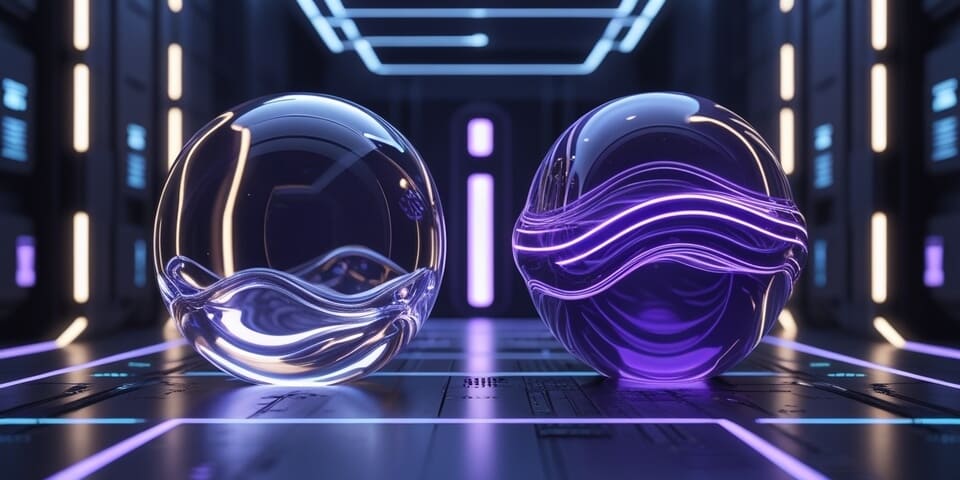
Imagine your high-quality PNG image is a heavy, beautiful object made of glass. It's perfect but fragile and difficult to move.
A PNG to WebP Converter is like a futuristic machine that transforms your glass object into a new, advanced, lightweight polymer that is just as clear and beautiful but 30% lighter and more durable. ✨
The new object (the WebP file) retains all the best qualities of the original—including transparency—but in a much smaller, more efficient package specifically designed for the modern web.
How to Use Our PNG to WebP Converter Tool
Upgrading your images to the modern standard is easy:
- Step 1: Upload your PNG image file.
- Step 2: Click the "Convert to WebP" button.
- Step 3: The tool will generate a high-quality, low-size WebP image for you to download and use on your website.
If you need it, click this link>>> PNG to WebP Converter Tool
Why is This So Useful? Key Benefits
- ✅ Superior Compression: WebP offers significantly smaller file sizes than PNG for the same level of quality, often reducing size by 25-35%.
- ✅ Supports Transparency: Unlike JPG, WebP supports an alpha channel, meaning you can have high-quality images with transparent backgrounds at a small file size.
- ✅ Boosts Page Speed and SEO: This is a major win for Core Web Vitals. Google loves its own format, and serving next-gen images like WebP is a key recommendation for improving performance scores.
- ✅ All-in-One Format: WebP can also handle animations, making it a potential replacement for both PNGs and GIFs.
PNG to WebP in Action: Real-World Scenarios
1. The Performance-Obsessed Web Developer A developer is building a new website and wants the fastest possible load times. Instead of using PNGs for logos and icons with transparency, they convert them all to WebP, saving significant data on every page load.
2. The E-commerce Innovator An online store wants to display high-quality product photos on transparent backgrounds. PNGs are too large. They convert all their images to WebP, achieving the desired look without slowing down their category pages.
Decoding the Data: Why is WebP Better?
WebP uses more advanced prediction technology to compress data. For a PNG with transparency, it uses lossless compression that is simply more efficient than PNG's algorithm. It can even use "lossy" compression for the RGB channels while keeping the transparency channel lossless, a clever hybrid approach that PNG cannot do.
Conclusion
WebP is the future of images on the web. Converting your PNGs to WebP is one of the single most effective steps you can take to modernize your site, speed up your page loads, and improve your SEO scores.
Ready to join the future of web images? Try our free PNG to WebP Converter today!