Image Optimizer: Your Key to a Faster Website
Created on 7 October, 2025 • Image Manipulation Tools • 392 views • 3 minutes read
Instantly optimize your images for the web with our free Image Optimizer. Compress JPG, PNG, and WebP files to reduce their size, improve page speed, and boost your SEO.
Did you know that large, unoptimized images are the number one cause of slow websites? A slow website frustrates visitors, hurts your Google ranking, and can directly impact your sales. But how do you make your images smaller without making them look blurry and unprofessional?
The answer is an Image Optimizer.
What is an Image Optimizer? (A Simple Analogy)
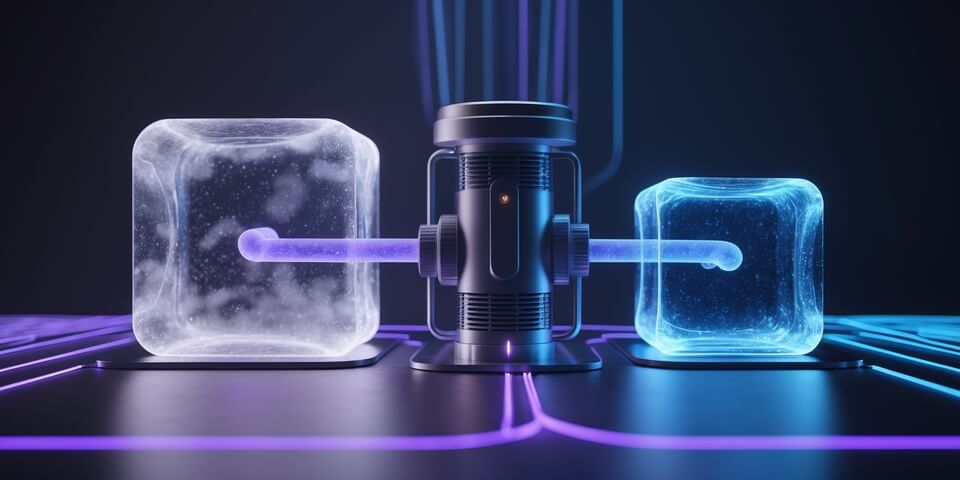
Imagine your original, high-quality image file is a large bucket of freshly collected water. It's pure, but it also contains extra minerals and impurities (redundant pixel data, unnecessary metadata) that make it "heavy."
An Image Optimizer is like a high-tech water filter. 💧
You pour your bucket of water (your image file) through the filter. The filter intelligently removes all the unnecessary impurities and extra weight, leaving you with a smaller, lighter bucket of pure, clean water (the optimized image). The essence and quality of the water are preserved, but it's now much more efficient and "lighter" to carry.
How to Use Our Image Optimizer Tool
Making your images smaller and faster is a simple process:
- Step 1: Upload the image you want to optimize (JPG, PNG, WebP, etc.).
- Step 2: Choose your desired compression level (e.g., 25%, 50%, 75%, 100%).
- Step 3: Click the "Submit" button.
- Step 4: The tool will process your image and provide a significantly smaller, optimized version for you to download.
If you need it, click this link>>> Image Optimizer Tool
Why is This So Important? Key Benefits
- ✅ Dramatically Improve Page Speed: This is the #1 benefit. Smaller images mean your website loads much faster, especially for users on mobile devices or slower connections.
- ✅ Boost Your SEO Rankings: Google uses page speed as a major ranking factor. Optimizing your images directly contributes to better Core Web Vitals and a higher ranking.
- ✅ Enhance User Experience: Fast-loading pages keep visitors happy and engaged, reducing your bounce rate and increasing the time they spend on your site.
- ✅ Save Bandwidth and Storage: Smaller image files take up less space on your server and use less data to transfer, which can lower your hosting costs.
Image Optimization in Action: Real-World Scenarios
1. The Blogger A travel blogger uploads 10 high-resolution photos from their camera to a new post. The total page size is 15MB, which would take ages to load. They run all 10 photos through the Image Optimizer, reducing the total size to just 1.5MB. The page now loads quickly for all their readers.
2. The E-commerce Store An online store has hundreds of product images. By optimizing every image, they reduce their page load times by several seconds. This small change leads to a measurable increase in their conversion rate because customers no longer get frustrated and leave the slow-loading site.
Decoding the Data: The Two Types of Compression
An optimizer uses two main techniques to make your images smaller:
- Lossless Compression: Think of this like a ZIP file for your image. It reorganizes the pixel data more efficiently without throwing any information away. The quality is 100% identical to the original, but the file size reduction is moderate. This is typically used for PNG files.
- Lossy Compression: This is the more powerful method. It intelligently removes tiny bits of data that the human eye is very unlikely to notice. This results in a massive file size reduction with a very minimal (and often imperceptible) drop in visual quality. This is used for JPG and WebP files.
Our tool helps you choose the right balance between file size and quality for your needs.
Conclusion
Image optimization is not an optional step; it is a fundamental requirement for any modern website. An Image Optimizer is the most effective tool for achieving this, providing a simple way to make your site faster, more user-friendly, and better for SEO.
Ready to speed up your website? Try our free Image Optimizer today and see how much smaller your images can be!