PNG to JPG: Optimize Your Images for the Web
Created on 7 October, 2025 • Image Manipulation Tools • 245 views • 2 minutes read
Instantly convert your PNG images to smaller, web-friendly JPG files. Our free tool helps you reduce image file size to improve website speed and SEO.
Have you ever had a beautiful, high-quality PNG image that was just too large to use on your website? Large image files are the number one cause of slow-loading pages. You need a way to make them smaller without sacrificing too much quality.
Converting from PNG to JPG is the classic solution.
What is a PNG to JPG Converter? (A Simple Analogy)
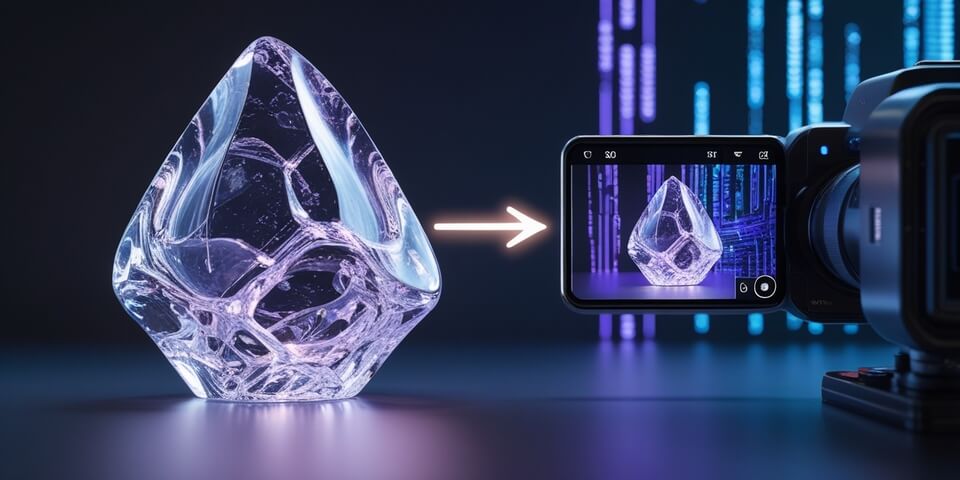
Imagine you have a large, perfect, but incredibly heavy marble sculpture (your PNG file). It's a masterpiece of lossless quality, but it's too heavy to easily transport or display everywhere.
A PNG to JPG Converter is like a professional photographer who takes a high-quality, detailed photograph of your sculpture. 🗿➡️📸
The photograph (the JPG file) is not the original heavy sculpture, but it captures all the essential visual detail in a much lighter, more portable format. It's perfect for showing to people online, even though it has lost some microscopic details in the process. The biggest trade-off: if your sculpture was transparent glass, the photo will have a solid background.
How to Use Our PNG to JPG Converter Tool
Optimizing your image is a simple process:
- Step 1: Upload your PNG image file.
- Step 2: Adjust the quality setting if you want to control the final file size.
- Step 3: Click the "Convert" button.
- Step 4: The tool will convert your image to JPG, ready for you to download.
If you need it, click this link>>> PNG to JPG Converter Tool
Why is This So Useful? Key Benefits
- ✅ Drastically Reduce File Size: The primary reason. JPGs use "lossy" compression to make image files significantly smaller than PNGs, which is essential for fast-loading websites.
- ✅ Improve Website Performance: Smaller images mean faster page speeds, a better user experience, and a boost to your SEO rankings.
- ✅ Universal Compatibility: JPG is one of the most widely supported image formats in the world, compatible with virtually every device and application.
- ✅ Perfect for Photographs: The JPG format is specifically designed for photographs and complex images with millions of colors.
PNG to JPG in Action: Real-World Scenarios
1. The Blogger A blogger takes a high-quality screenshot for their new post, but the PNG file is 2MB. They use the converter to turn it into a 200KB JPG file before uploading it to their website, ensuring the page remains fast.
2. The E-commerce Store Owner An online store owner has 50 high-resolution PNG product photos. They batch convert them to optimized JPGs to ensure their product pages load quickly for customers, which helps increase conversion rates.
Decoding the Data: The Key Difference
- PNG (Portable Network Graphics): Uses lossless compression, meaning no quality is lost, but the file size is large. Its killer feature is support for transparent backgrounds.
- JPG (Joint Photographic Experts Group): Uses lossy compression, which intelligently removes some image data to make the file much smaller. It does not support transparency (transparent areas become white).
Conclusion
When it comes to web performance, converting large PNGs to optimized JPGs is a fundamental skill. It's the essential trade-off for speed, balancing quality and file size. Our converter makes this process simple and fast.
Ready to optimize your images for speed? Try our free PNG to JPG Converter today!