ICO to WebP: Modernize Your Tiny Icon
Created on 7 October, 2025 • Image Manipulation Tools • 169 views • 2 minutes read
Instantly convert your .ico favicon file into the highly optimized, next-generation WebP format. Our free tool preserves transparency while creating a smaller file size.
You have a favicon in the classic .ico format, but you want to use it on your website in a modern, efficient format. WebP is Google's next-generation image format that offers high quality at a very small file size, and it supports transparency.
What is an ICO to WebP Converter? (A Simple Analogy)
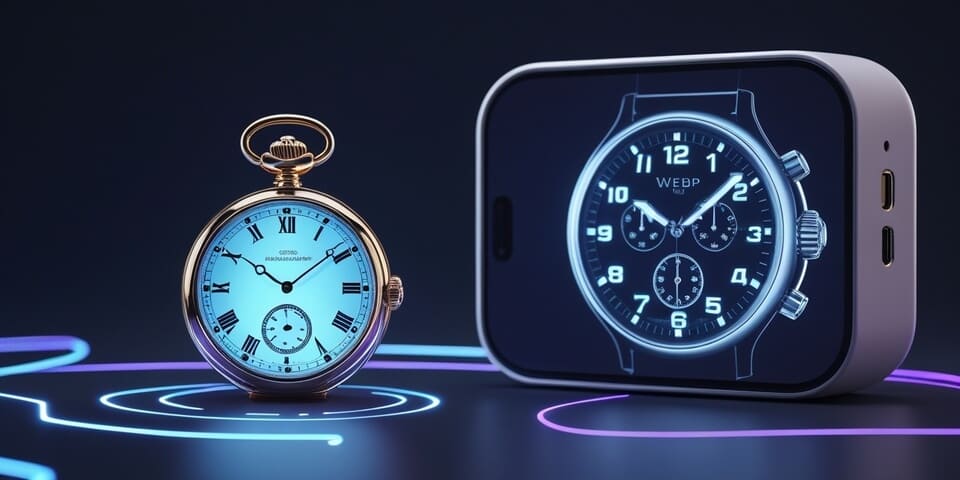
Imagine your .ico file is a small, classic, beautifully crafted pocket watch. It's a masterpiece of miniaturization for its time.
An ICO to WebP Converter is like taking that pocket watch to a futuristic workshop and creating a sleek, lightweight, high-definition smartwatch that displays a perfect digital hologram of the original watch face. ⌚➡️ Hologram
The new smartwatch (the WebP file) is more efficient, more modern, and offers the same visual fidelity (including transparency) in a much smaller, performance-optimized package.
How to Use Our ICO to WebP Converter Tool
Modernizing your icon is a quick process:
- Step 1: Upload your .ico file.
- Step 2: Click the "Convert to WebP" button.
- Step 3: The tool will extract the highest-quality layer from your icon and convert it into a highly optimized WebP file.
If you need it, click this link>>> ICO to WebP Converter Tool
Why is This So Useful? Key Benefits
- ✅ Modernize Your Assets: Convert your legacy favicon into the web's recommended next-gen format.
- ✅ Superior Compression: WebP will create a smaller file size than an equivalent PNG, while still preserving perfect quality and transparency.
- ✅ Improve Page Speed: Using optimized WebP images, even for small icons, contributes to better overall page performance and SEO scores.
- ✅ Preserve Quality & Transparency: The conversion is lossless, so you get a pixel-perfect copy of your icon with its transparent background intact.
ICO to WebP in Action: Real-World Scenarios
1. The Performance-Focused Developer A developer is optimizing every single asset on their website. They take their favicon.ico, convert it to a tiny WebP file, and use the WebP version for things like a site logo in the footer, ensuring the smallest possible file size is used everywhere.
2. The Digital Asset Manager An asset manager is creating a library of all company logos in multiple formats. They convert the official favicon.ico to both PNG (for editing compatibility) and WebP (for direct web use) to have a complete set of modern formats.
Conclusion
An ICO to WebP converter is a forward-thinking tool that allows you to take your classic favicon and transform it into a highly efficient, next-generation image asset. It's the perfect way to modernize your smallest graphics for the best possible web performance.
Ready to modernize your icon? Try our free ICO to WebP Converter today!