BMP to ICO: Create a Favicon from Raw Image Data
Created on 7 October, 2025 • Image Manipulation Tools • 169 views • 2 minutes read
Instantly convert your raw, uncompressed BMP images into a website favicon. Our free BMP to ICO converter creates the perfect .ico file from your legacy assets.
You have a logo or a simple graphic saved in the raw, uncompressed BMP format, and you need to turn it into a favicon for your website. This requires converting it to the special .ico file format that browsers recognize.
What is a BMP to ICO Converter? (A Simple Analogy)
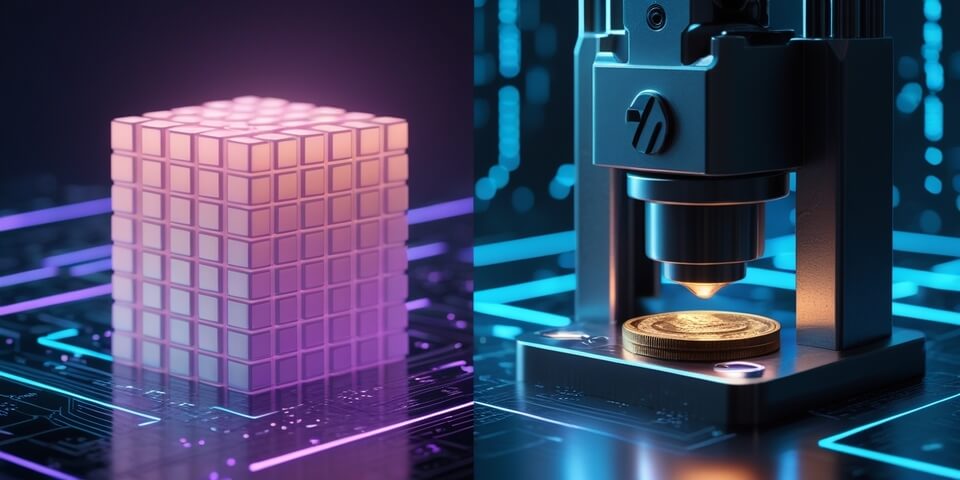
Imagine your BMP file is a raw block of clay. It's the pure, unformed material for your design.
A BMP to ICO Converter is like a specialized minting press that stamps your favicon design. 🗿➡️🪙
The machine takes your raw material (the BMP file), shapes it into a perfect square, shrinks it down to the tiny required sizes for an icon, and presses it into the final, official coin (the .ico file). The result is a small, functional icon ready to be used as your website's official emblem in browser tabs.
How to Use Our BMP to ICO Converter Tool
Creating your favicon from a BMP file is simple:
- Step 1: Upload your BMP image file. A simple, square-shaped graphic works best.
- Step 2: Click the "Convert to ICO" button.
- Step 3: The tool will generate a multi-resolution .ico file for you to download and upload to your website.
If you need it, click this link>>> BMP to ICO Converter Tool
Why Would You Use This?
- ✅ Utilize Legacy Assets: The primary reason. It allows you to create a functional favicon from old logos or graphics that only exist in the legacy BMP format.
- ✅ Quick and Direct: A straightforward way to get a usable .ico file when your source image is a BMP.
- ✅ Proper Formatting: The tool creates a standard, multi-resolution .ico file that is compatible with all web browsers.
- ✅ First Step to Modernizing: Converting a BMP to ICO is a good first step. You can then save the source as a more modern PNG for future use.
BMP to ICO in Action: Real-World Scenarios
1. The Retro Website Someone is building a retro-themed website and has created pixel art graphics using an old paint program that only saves in BMP format. They use the BMP to ICO converter to turn their pixel art logo into a perfectly matching favicon.
2. The Company Archive A web manager finds the company's original, first-ever logo in an archive, saved as a .bmp file. As a nod to the company's history, they use the converter to turn this vintage logo into a favicon for a special anniversary version of their website.
Decoding the Data: A Note on Quality
Since BMP is an uncompressed, lossless format, your source image has perfect quality. When converting to ICO (which is also a lossless format), no quality will be lost, other than the inherent detail reduction that comes from shrinking an image down to a tiny 16x16 or 32x32 pixel size. The conversion will be a pixel-perfect miniaturization.
Conclusion
While BMP is an outdated format for the web, our BMP to ICO converter provides a vital bridge, allowing you to turn these raw, legacy files into the functional, branded favicons that every modern website needs.
Ready to create your favicon from a BMP? Try our free BMP to ICO Converter today!