BMP to GIF: From Raw Data to Simple Animation
Created on 7 October, 2025 • Image Manipulation Tools • 173 views • 2 minutes read
Instantly convert your large, uncompressed BMP images into small, web-friendly GIF files. Our free tool is perfect for creating animation frames and simple graphics.
You have a simple graphic or a series of frames saved in the uncompressed, massive BMP format. To use it on the web, especially for a simple animation, you need to convert it to a more efficient and universally supported format like GIF.
What is a BMP to GIF Converter? (A Simple Analogy)
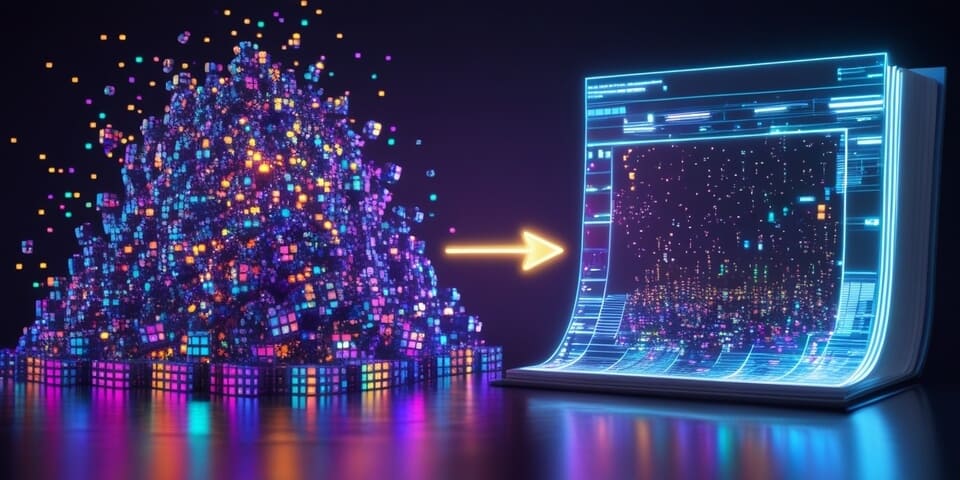
Imagine your BMP file is a pile of raw, unorganized art supplies—jars of paint for every possible color. It's a huge, heavy collection.
A BMP to GIF Converter is like an artist who takes your supplies but decides to create a simple, charming flip-book using only a small, curated box of 256 crayons. 🎨➡️📖
The artist (the converter) intelligently selects the most important colors from your vast collection and creates a much smaller, more efficient piece of art. The resulting flip-book (the GIF) is perfect for simple, looping animations and is much easier to share than the original pile of supplies.
How to Use Our BMP to GIF Converter Tool
Converting your raw BMP to a compact GIF is easy:
- Step 1: Upload your BMP image file.
- Step 2: Click the "Convert to GIF" button.
- Step 3: The tool will process your image, reduce its color palette, and provide a much smaller GIF file for you to download.
If you need it, click this link>>> BMP to GIF Converter Tool
Why Would You Use This?
- ✅ Drastic File Size Reduction: GIF uses lossless compression and a limited color palette, which can make a huge BMP file significantly smaller.
- ✅ Create Animated GIF Frames: The essential first step if you have a sequence of BMP images that you want to turn into an animation.
- ✅ Web Compatibility: Unlike BMP, the GIF format is universally supported on all web browsers.
- ✅ Good for Simple Graphics: If your original BMP is a simple logo or icon with few colors, converting to GIF is a very efficient way to prepare it for the web.
BMP to GIF in Action: Real-World Scenarios
1. The Old School Animation Someone creates a simple, pixel-art animation, with each frame saved as a separate BMP file from an old paint program. They convert each BMP frame to GIF and then stitch them together to create a looping animated sprite for a game or website.
2. The Legacy Logo A company finds its original logo stored as a massive BMP file. Since the logo only uses four solid colors, they convert it to GIF, which produces a tiny, highly efficient file perfect for use in an email signature or on their website.
Decoding the Data: The Color Palette Reduction
The most significant change in this conversion is the reduction of colors:
- BMP: Can store up to 16.7 million colors in a raw, uncompressed format.
- GIF: Is limited to a maximum palette of 256 colors.
The converter analyzes the original BMP and creates an optimized palette of the most important 256 colors to represent the image. For simple graphics, this looks perfect. For complex photos, this can result in a loss of detail and color banding.
Conclusion
Converting from BMP to GIF is a powerful way to transform huge, legacy image files into compact, web-friendly graphics. It's the perfect choice for optimizing simple logos or preparing individual frames for a classic animated GIF.
Ready to make your BMPs usable online? Try our free BMP to GIF Converter today!